How to Redeem Sell Fries Codes
Last verified 2026-10-19
GameRant’s 18 October article is the clearest step list I found. TechWiser, one day earlier, said the box was not in the game. I am printing the steps as a reported path, and I am printing the disagreement in the same screen.
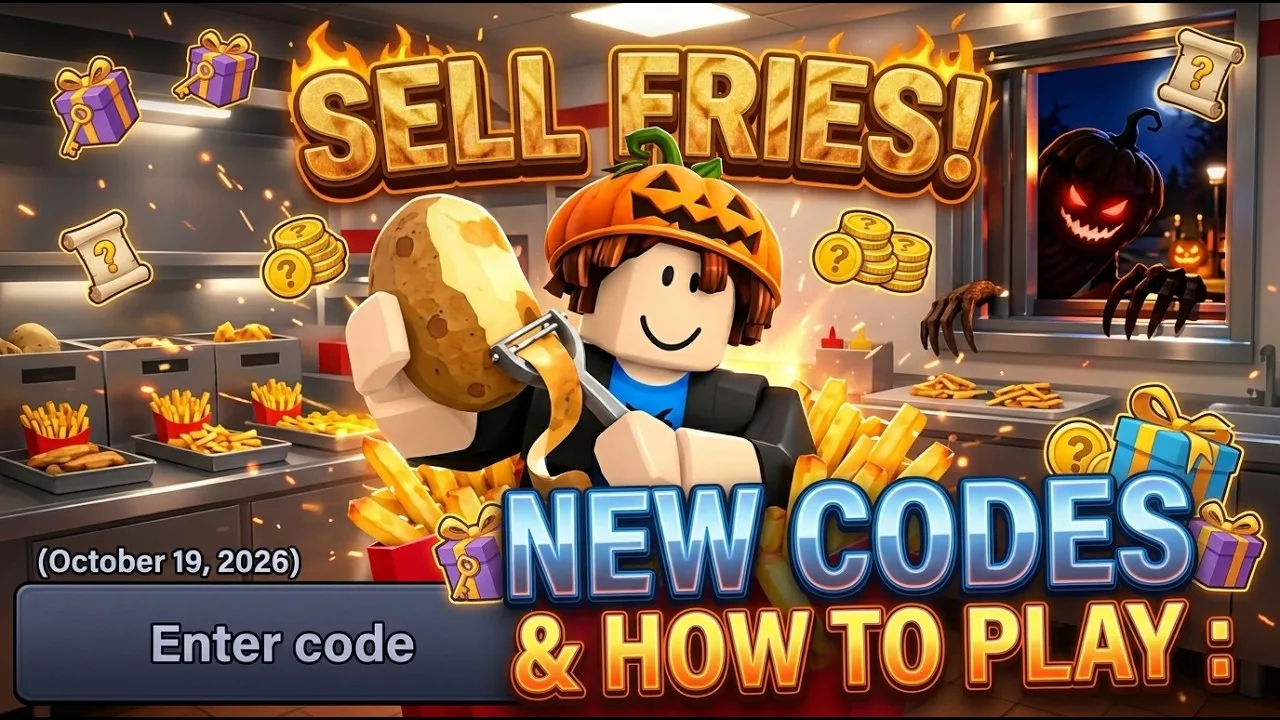
Reported path (not my own screenshot)
- Join Sell Fries from the official Roblox page.
- Go into your kitchen and open the Shop.
- Scroll until you see a code field. Guides place it on the shop panel, not in the Roblox settings gear.
- Paste the code and confirm. The reward those articles describe is Candies, so check that balance, not your cash or Gems.
If nothing happens
- Check the spelling and read the game’s error message. Case sensitivity, redemption caps, and per-account limits have not been tested here.
- 1000Members has conflicting active and expired reports. An event end date alone does not establish code expiry.
- The field may not be in your build. Two guides said they could not find one.
- Never hand a “redeemer” site your password or .ROBLOSECURITY cookie. A wiki warning on this point is the most useful line I read.
Not confirmed in this pass. I did not sign into Roblox and open the shop. Until that happens, this page will not say the box is definitely there.
Questions
Are codes case sensitive?
No source I read tested letter case. Type the code exactly as published and do not add spaces.